Block the apps and websites that pull you away, for as long as you say.
Blocked apps quit the moment they open. Blocked websites are replaced with a quiet page that reminds you what you're working on.
curl -fsSL https://raw.githubusercontent.com/samporter14/nidus/main/install.sh | zsh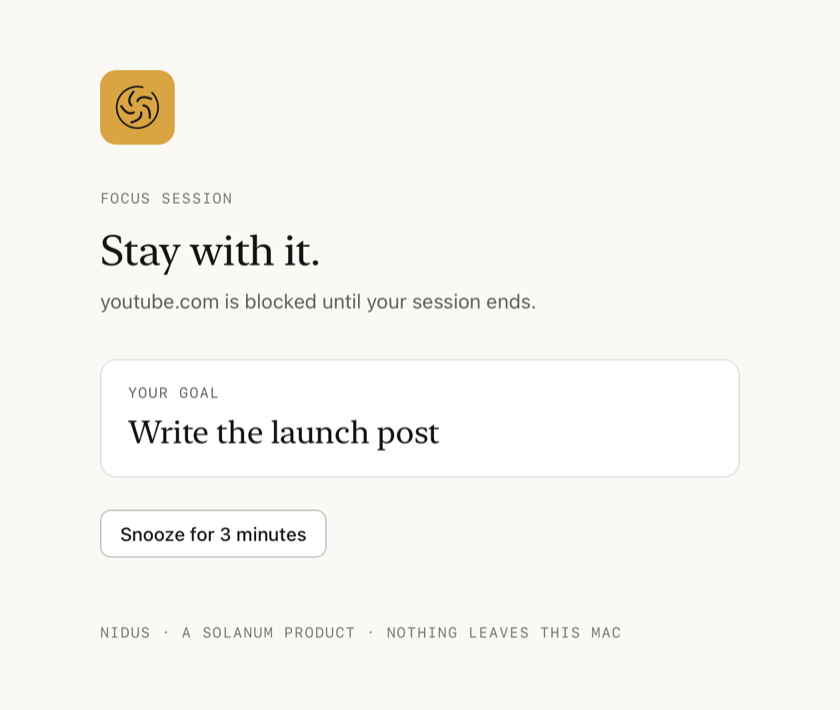
What it does
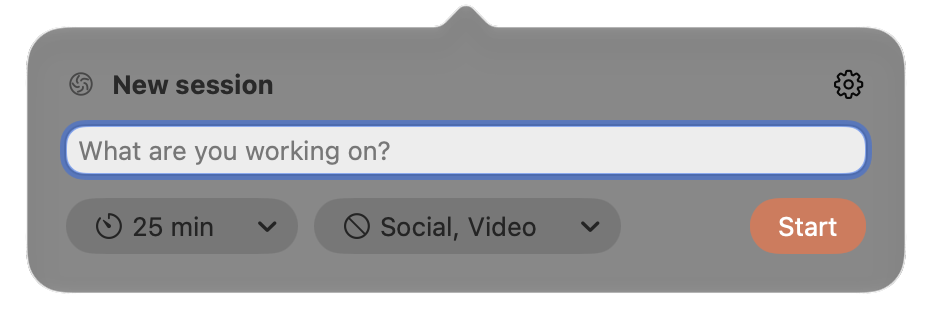
Start from the menu bar
Say what you are working on, choose a length and what to block, and press Start.

Blocked apps quit
They're asked to quit the normal way, so anything unsaved gets its usual prompt. Settings can hide them instead.
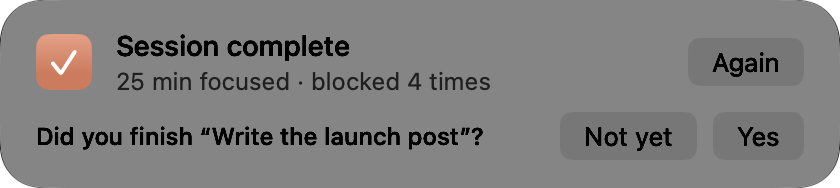
A card when the time is up
It tells you how long you focused and how many times you were blocked, and asks whether you finished.
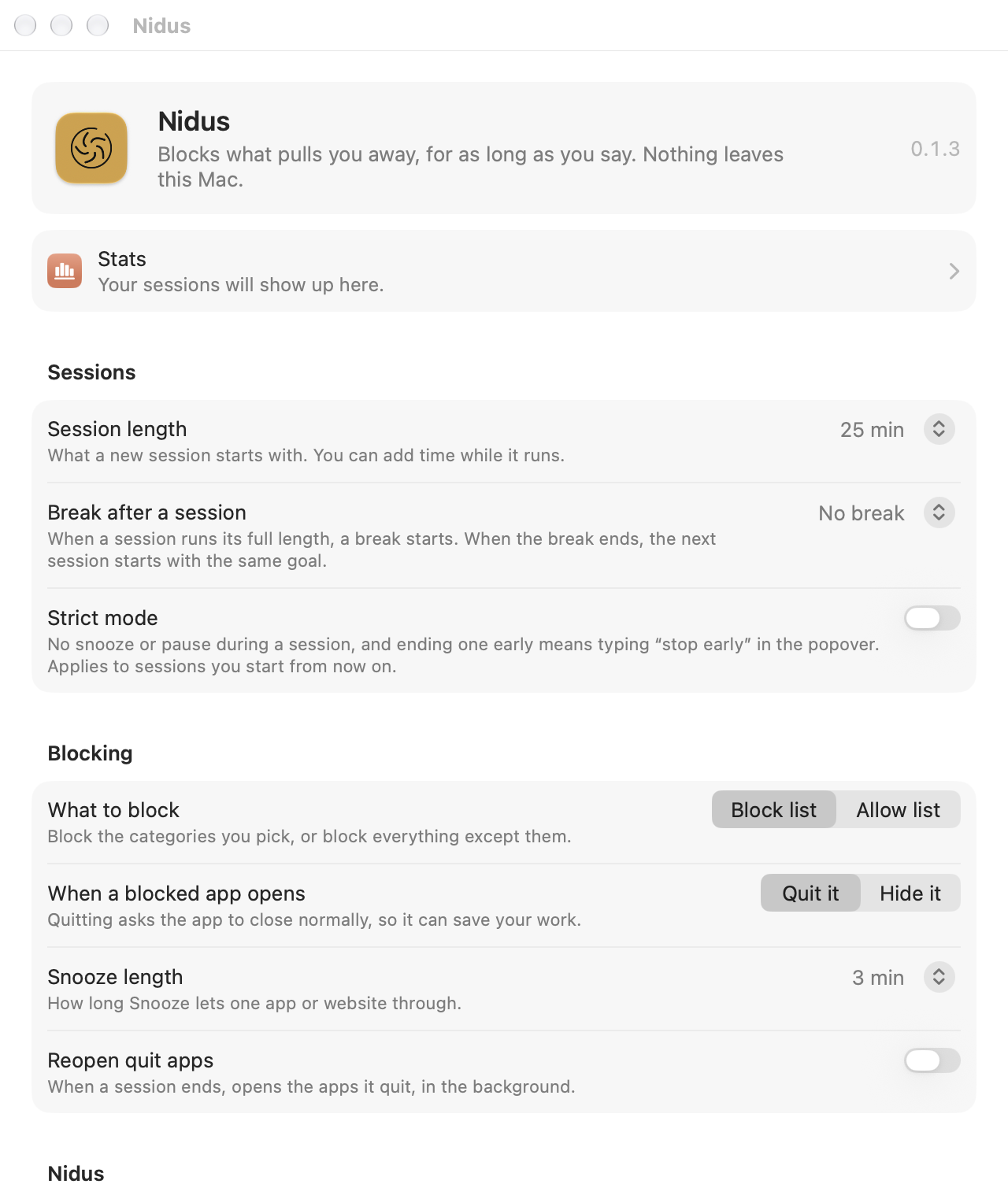
Strict mode
No snooze or pause during a session, and ending one early means typing “stop early” in the popover.
The glyph keeps time
At rest it is a virus particle. When a session starts it becomes a brain, and fills as the session runs.
Pause, add time, snooze
Pause or add five minutes from the popover. Snooze one app or site for a few minutes from its card or the block page.
Three browsers
Safari, Google Chrome and Opera Air. When the session ends, every tab goes back to where it was. Firefox isn't supported: it offers no way to script its tabs.
Keeps to itself
Nidus collects nothing: no account, no analytics, no server. It never connects to the internet.
nidus, n. Latin, nest. A breeding place; in particular, the place in a host where an organism lodges and multiplies.